Device-first setup
Instructions begin with the exact television, box, phone or computer.
Read current IPTV guides about choosing a service, player apps, Fire TV, Smart TV, internet speed, buffering and compatibility testing.
Each guide separates the player, account, device, network and source so you can diagnose the right layer instead of relying on generic claims.
Instructions begin with the exact television, box, phone or computer.
Compare Wi-Fi, Ethernet, busy-hour traffic and device decoding.
Protect playlist URLs, passwords, payment records and app permissions.
Original long-form guidance, descriptive image text, internal links and visible answers aligned with the page schema.
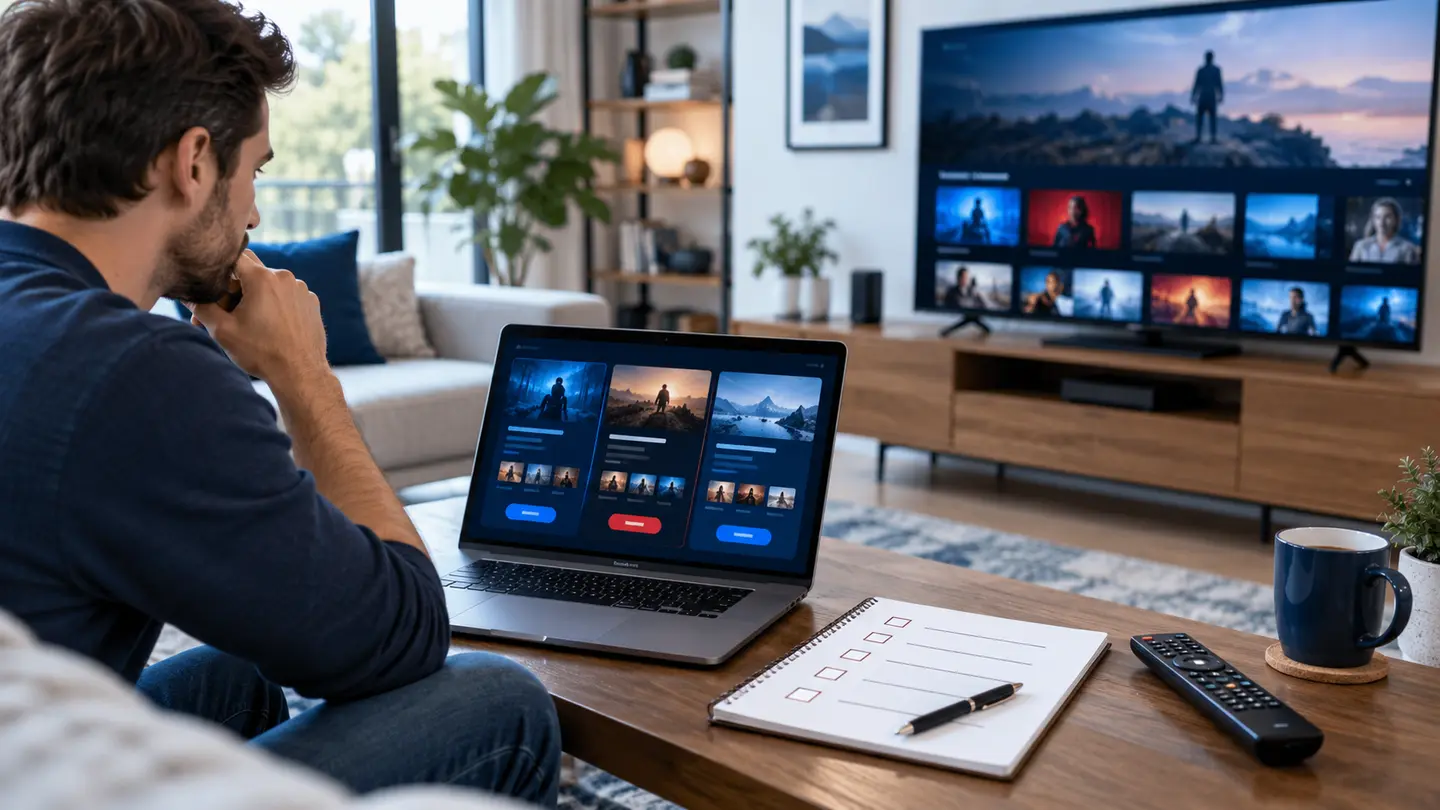
Use this practical best IPTV checklist to compare trials, stream stability, apps, devices, EPG, support, pricing and policies before paying.
Read complete guide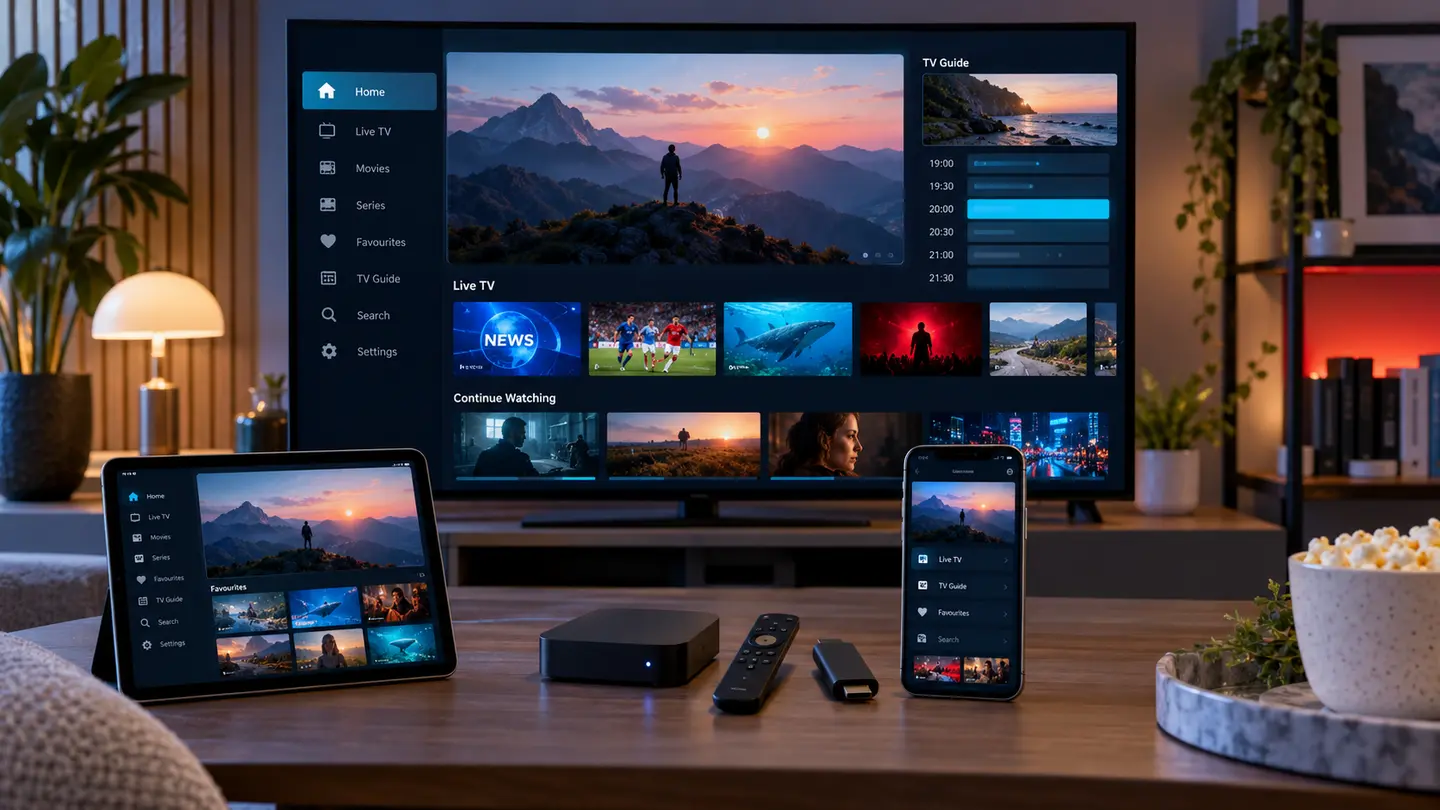
Compare IPTV player apps for Fire TV, Android TV, Samsung, LG, Apple devices and computers by login support, EPG, remote control and privacy.
Read complete guide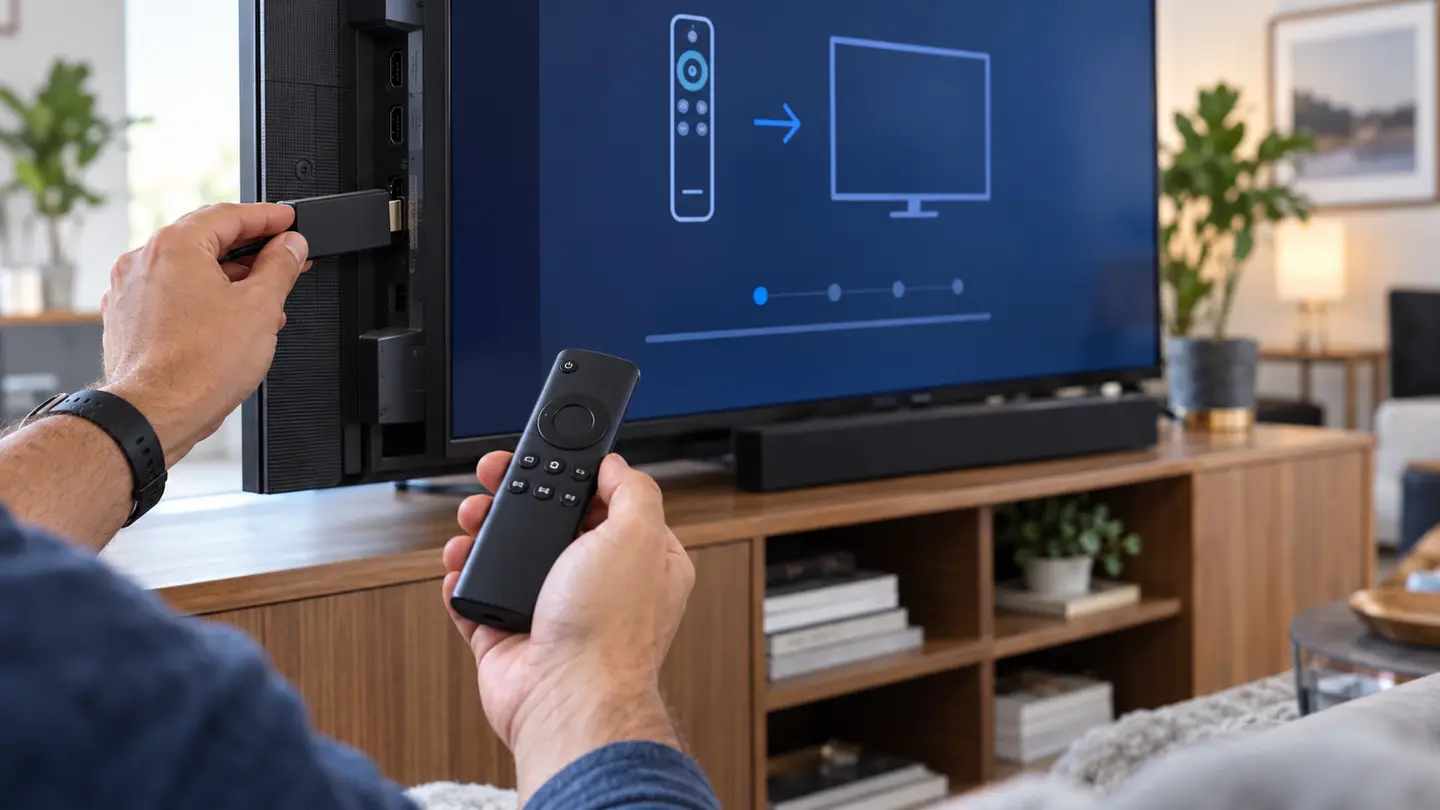
Set up IPTV on a compatible Fire TV device using a trusted player, secure login details and practical fixes for buffering, EPG and remote problems.
Read complete guide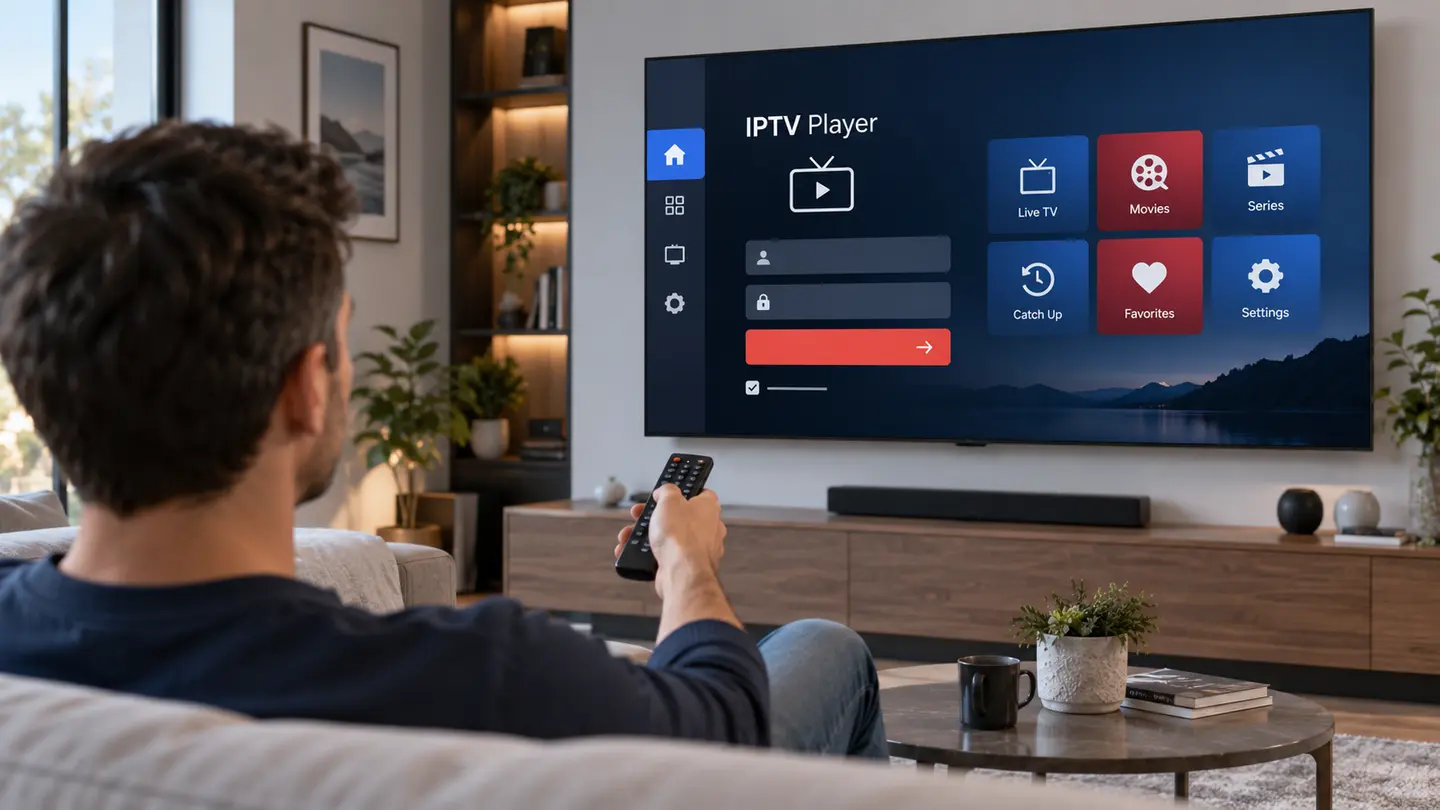
Install and configure a compatible IPTV player on Samsung Tizen, LG webOS, Google TV and other Smart TVs with secure login and EPG checks.
Read complete guide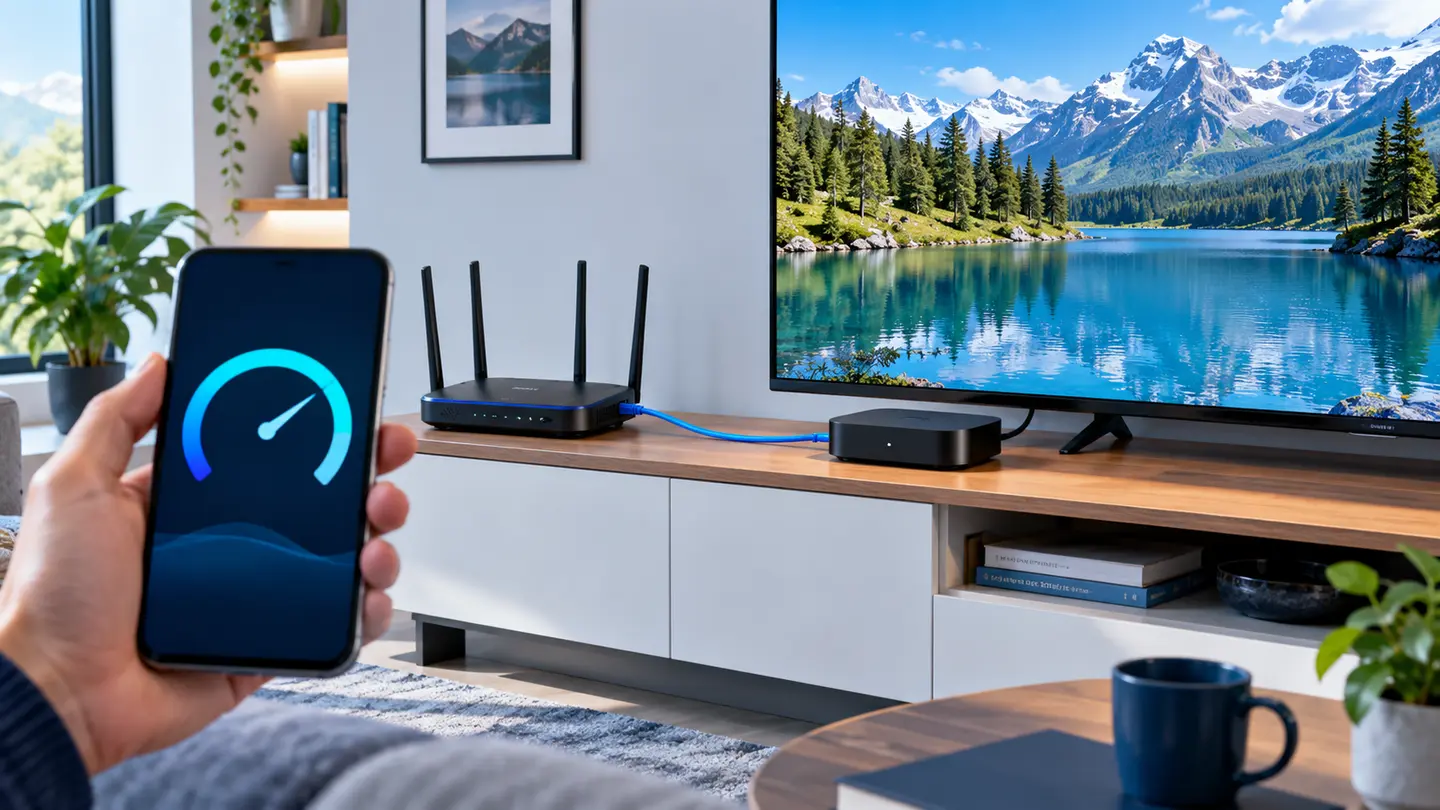
Understand practical IPTV internet speed targets, Wi-Fi versus Ethernet, latency, household traffic and why speed tests do not tell the whole story.
Read complete guide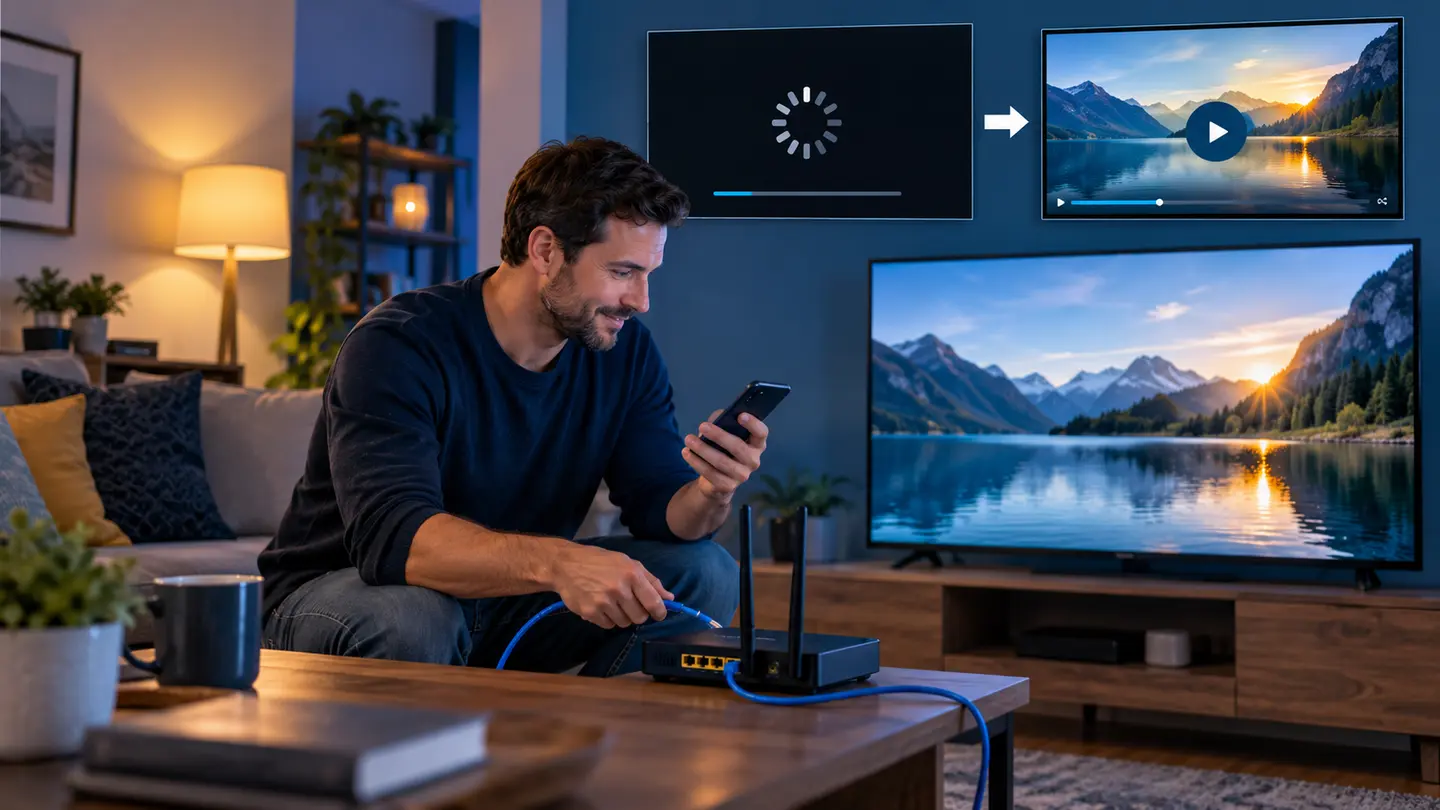
Fix IPTV buffering with a clear sequence covering source scope, Ethernet, Wi-Fi, router load, player cache, decoding, EPG and support evidence.
Read complete guideTest the exact device, player, categories and home network before choosing a paid plan.