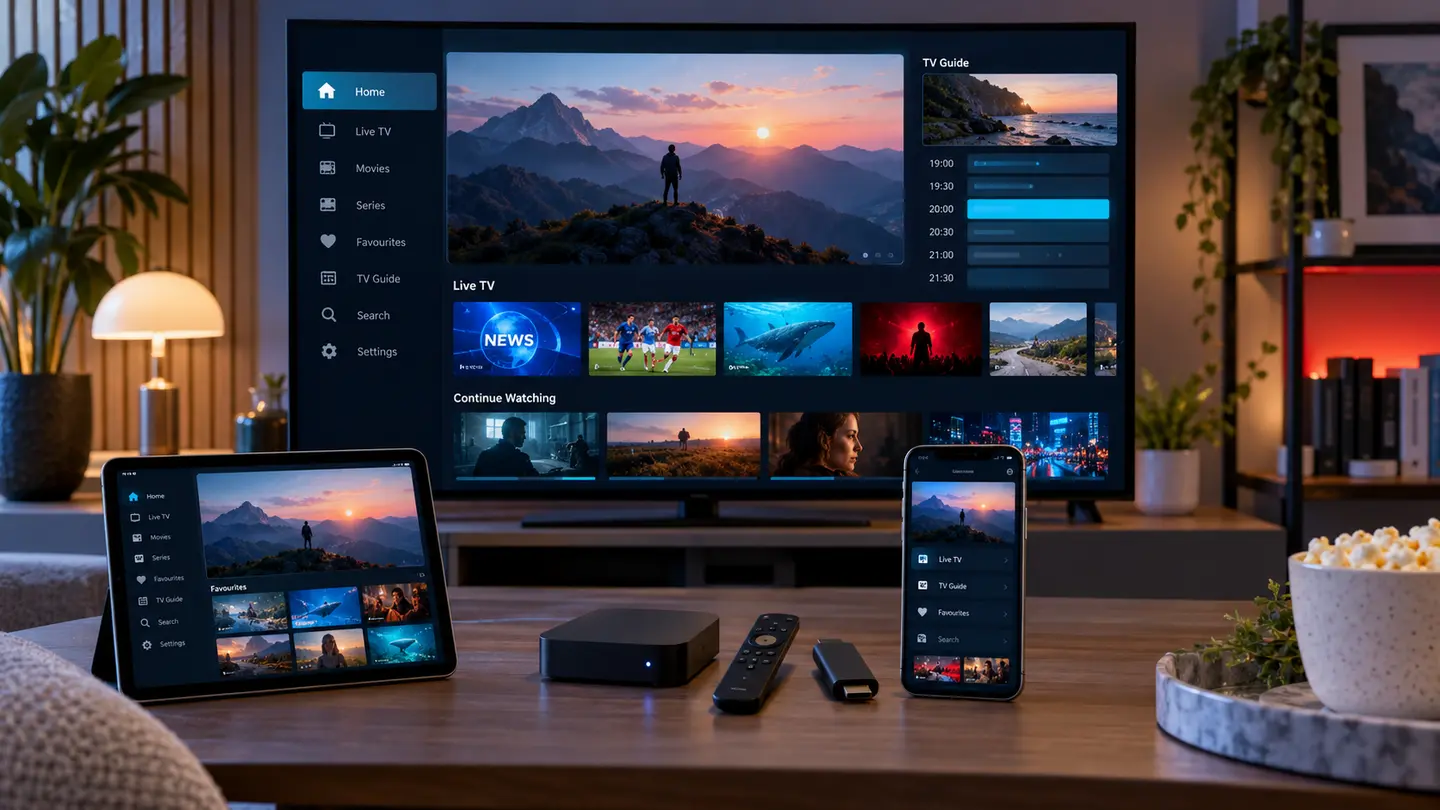
A good IPTV subscription can feel awkward in the wrong player, while a well-designed player makes categories, EPG, favourites and on-demand browsing easier. There is no single app that is best on every platform, so choose by device, login format, remote control and update history.
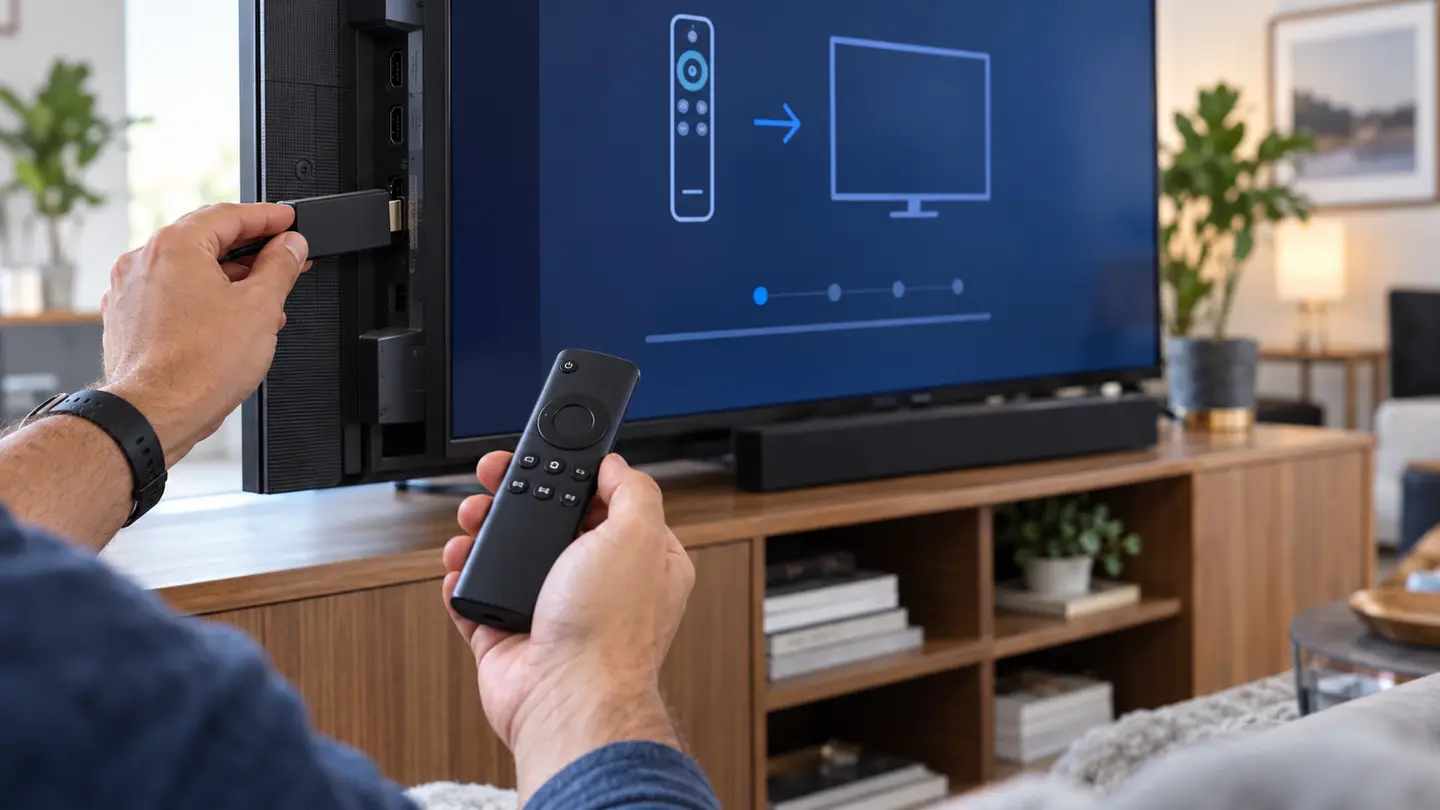
For Fire TV and Android TV, prioritise reliable remote navigation, hardware decoding and EPG tools. On Samsung and LG televisions, use a maintained app from the official store. On Apple devices and computers, prioritise privacy, playlist handling and a clear publisher identity.
Player Software and IPTV Access Are Separate
An IPTV player reads account data and presents live, movie and series sections. It may provide search, favourites, EPG layout, catch-up controls and decoder settings, but it does not automatically include a content service. When an app listing appears to promise a subscription, verify exactly who supplies each part.
This separation explains why the same account can look different in two apps. Category order, poster loading, subtitle menus and time display are player features, while actual source availability and account limits come from the subscription.
Match the App to the Device
Television operating systems have different app stores and remote-control rules. Android TV and Fire TV usually offer more player choice, while Samsung Tizen and LG webOS depend heavily on regional store availability. Apple TV, iPhone and iPad use a different ecosystem again, and desktop users may prefer a player designed for keyboard and mouse.
Check the exact model and operating-system version. An app available on a new television may not support an older model, and a familiar Android app may not exist on a newer non-Android streaming device.
| Platform | Prioritise | Verify before installing |
|---|---|---|
| Fire TV / Android TV | Remote navigation, hardware decoding, EPG | OS version and official availability |
| Samsung / LG | Native remote focus and readable guide | Regional app store and activation fee |
| Apple devices | Privacy, AirPlay needs, subtitle controls | Supported login method |
| Windows / macOS | Keyboard control, windowed playback, updates | Publisher and secure download source |
Compare Login and Playlist Support
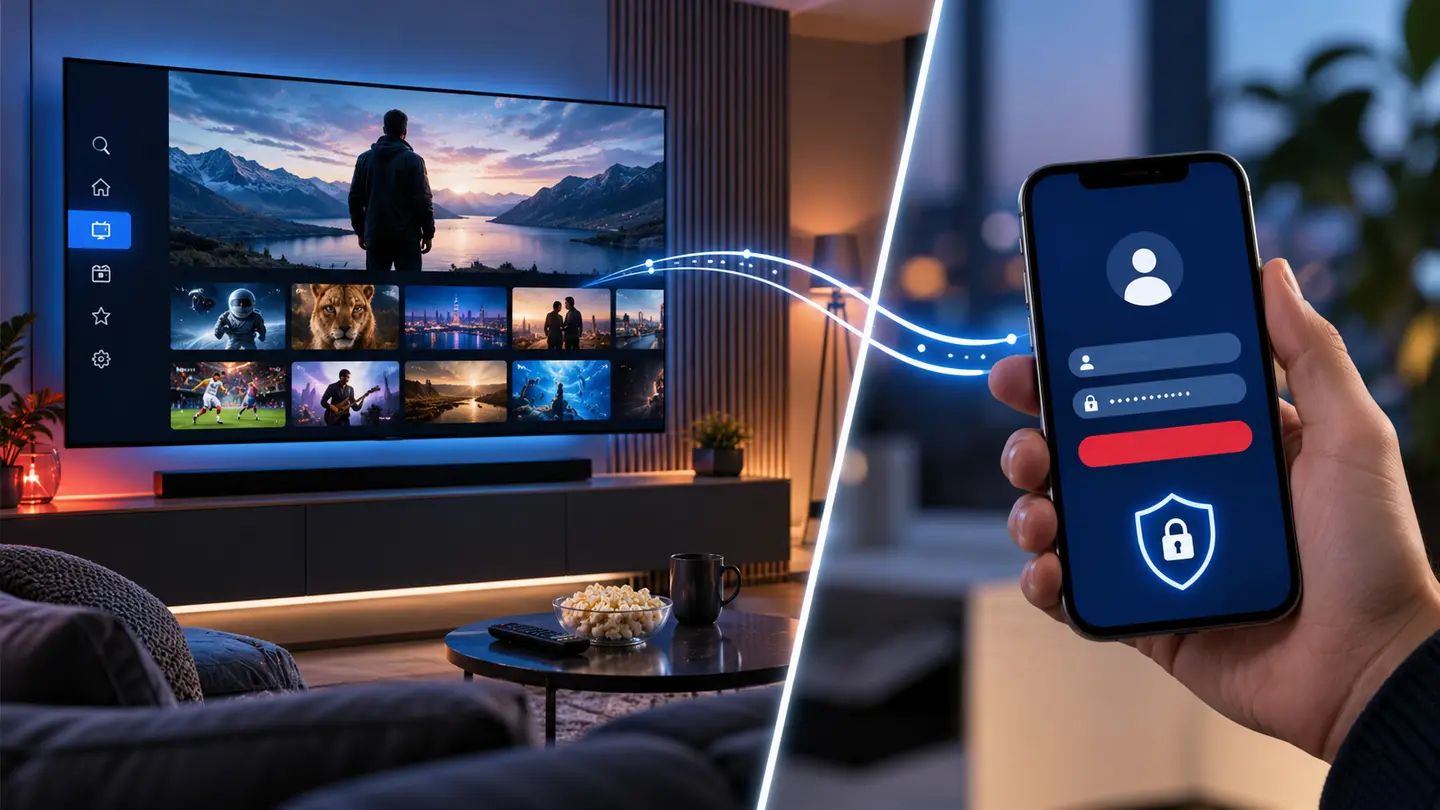
Common account formats include a server address with username and password, an M3U playlist URL and a device or portal method. A player does not need every format; it needs the one your account uses. Confirm this before paying for a lifetime app licence.
Where possible, enter credentials directly on the device. Avoid unknown playlist converters because URLs may contain the full username and password. If the television requires web activation, check that the activation page uses HTTPS and belongs to the app publisher.
Test the Features You Will Use Every Day
Open live TV, movies and series, then test search, favourites, recent items, subtitles, audio tracks and catch-up controls. For EPG, confirm that scrolling remains smooth after a large guide loads. On a TV, press back repeatedly and make sure the app returns to a predictable place.
Decoder options can help on some devices and hurt on others. Start with the app default. Change hardware or software decoding only when a specific format stutters, and record the setting that worked so troubleshooting does not become guesswork.
- Fast category loading
- Readable EPG from viewing distance
- Consistent back-button behaviour
- Search and favourites that survive refresh
- Subtitle and audio selection
- Clear cache or playlist refresh control
A Practical Shortlist Method
Choose two compatible players, load the same trial account and compare them side by side. Use the same channel, guide period and on-demand title. This isolates player behaviour from source behaviour and quickly reveals which interface suits the household.
Keep the winner and remove unused apps that still contain credentials. If a player later stops receiving updates or disappears from the store, change the app without assuming the subscription itself has failed.
Frequently Asked Questions
Final Check Before You Continue
Use the exact device, player and network that matter to you, protect account credentials and confirm the current price, connection count, content rights and policy terms before payment. Availability and app support can change, so current testing is more useful than an old screenshot or catalogue total.