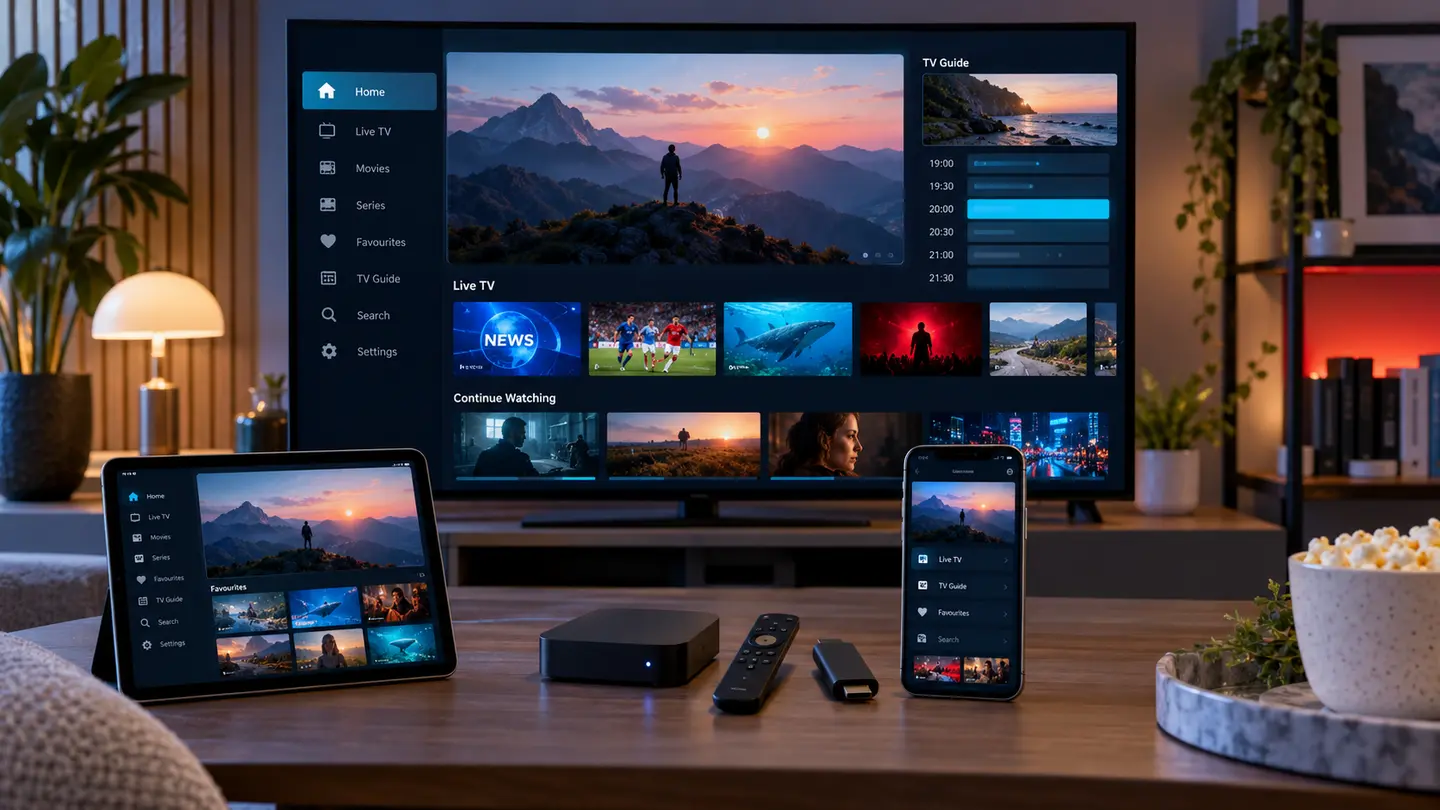

The best IPTV service is not simply the one advertising the biggest catalogue. It is the one that works on your exact device, carries the categories you actually use, stays usable during busy hours and explains its price, connection limit and support process clearly. This guide turns those points into a repeatable test.
Start with a short trial on your real device and home network. Check your must-have live and on-demand categories, picture quality, EPG accuracy, player navigation and support response. Only then compare the total GBP price and commitment period.
Define What “Best IPTV” Means for Your Household
A sports-first household, a multilingual family and someone mainly watching on-demand films will judge the same service differently. Write down the countries, languages, categories and device types that matter before you compare providers. This prevents a large headline number from distracting you from the ten or twenty groups you will actually open.
Also decide whether one stream is enough. Installing an account on several devices is not the same as watching on several devices at once. Simultaneous connections affect capacity and price, so the order summary should state the permitted quantity rather than leaving you to assume.
- Must-have regions and languages
- Live sports or news windows you will test
- Movies, series, subtitles and audio needs
- Exact number of simultaneous viewers
Run the Trial on the Real Device and Network
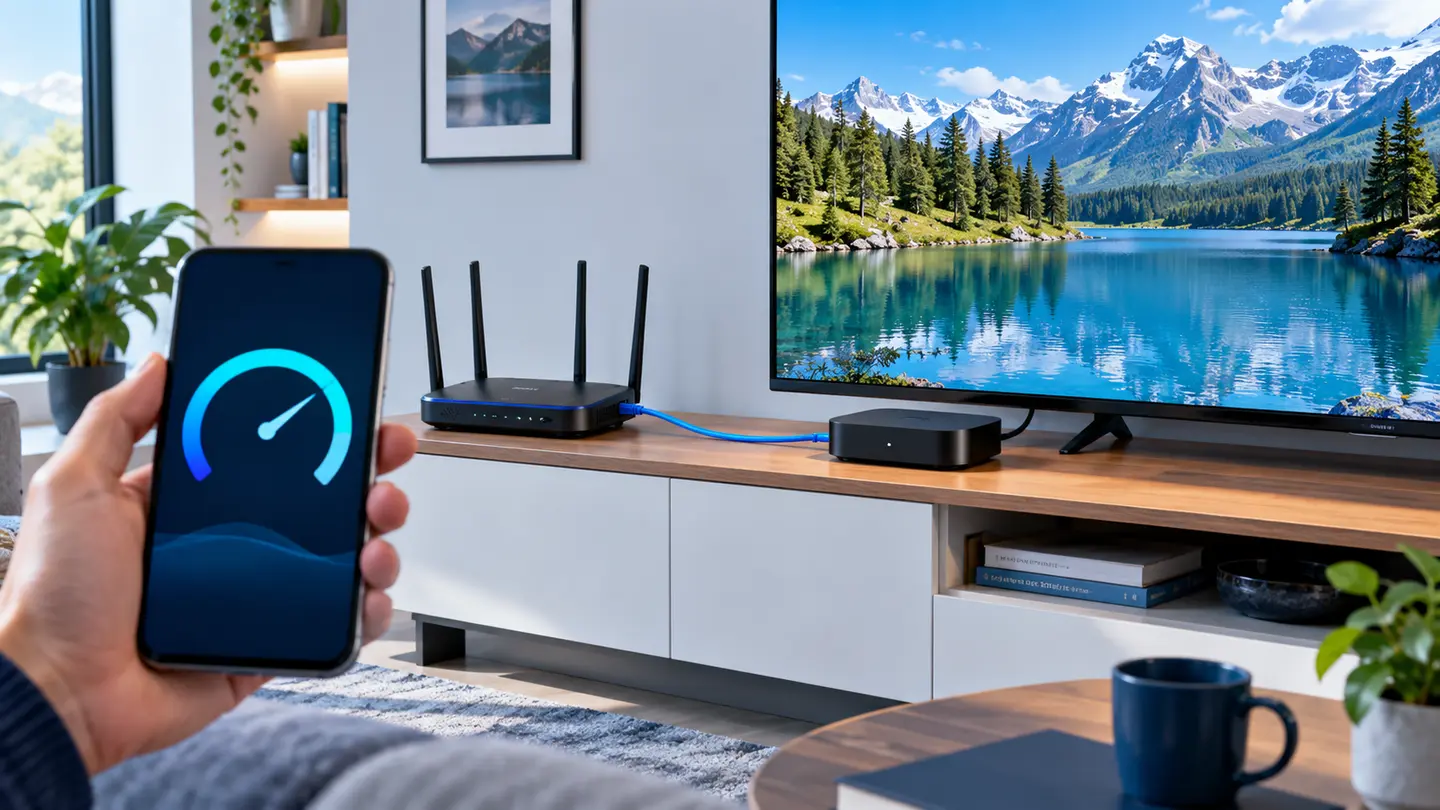
A trial on a fast phone does not prove that an older Smart TV will decode the same stream smoothly. Install the player you intend to keep, use the same Wi-Fi or Ethernet path you use every evening and test remote navigation as well as playback. If the player requires a separate licence, include that cost in your comparison.
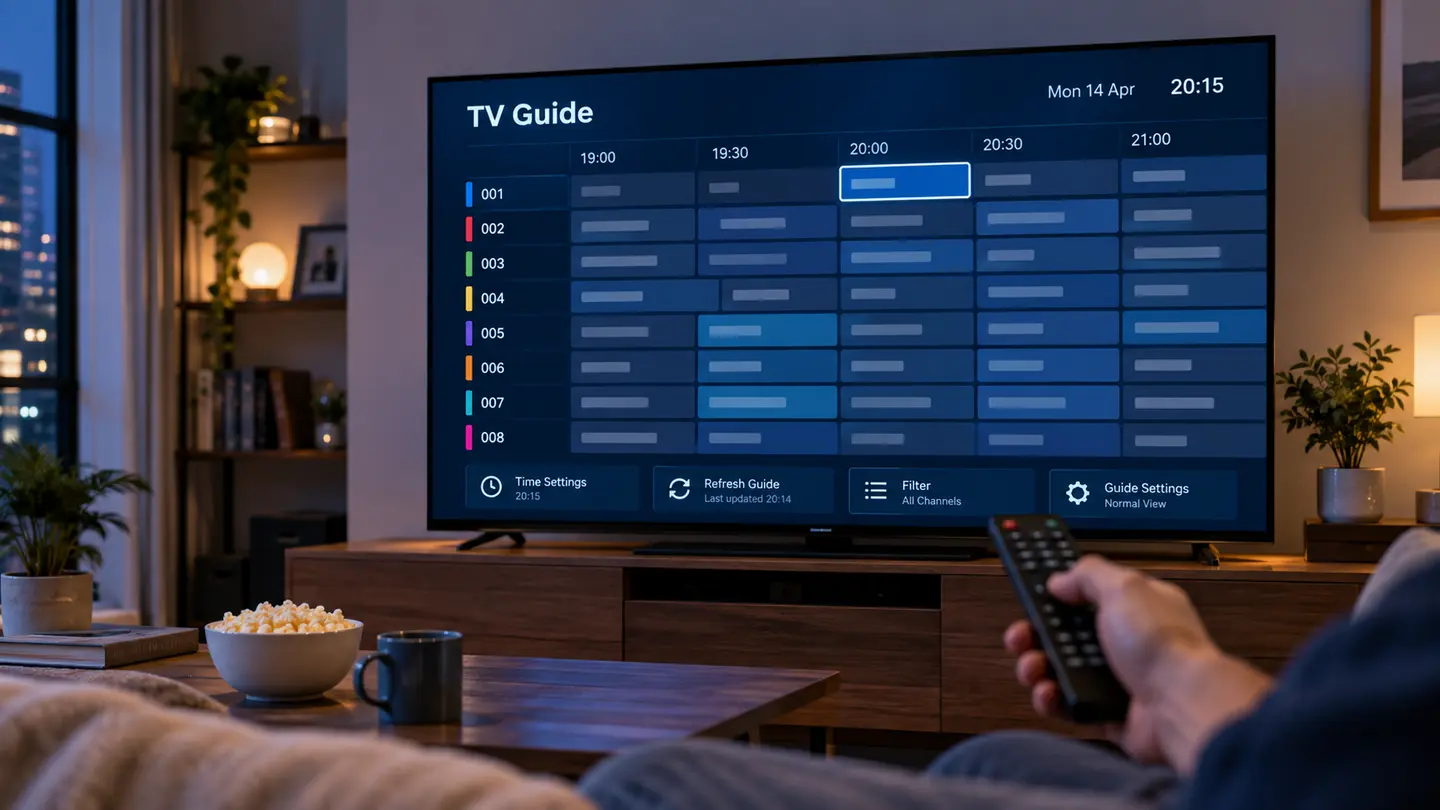
Repeat the test at a busy time. Open several live categories, start a few on-demand titles, move forward and backward in the guide and leave a stream playing long enough to notice interruptions. A short, structured test produces better evidence than randomly opening channels for five minutes.
Compare Stability, Quality and Recovery
Picture labels such as HD, Full HD and 4K describe the source only when the full chain supports them. The device, codec, player, available bandwidth and home network can all reduce real quality. Look for consistent playback and sensible source alternatives rather than expecting every item to be available in the highest resolution.
When a stream fails, see how quickly the app recovers. Can you switch source, refresh the playlist or reopen the category without clearing the entire app? A service that explains practical recovery steps is more useful than one that only repeats “no buffering” as a slogan.
| Check | Good evidence | Warning sign |
|---|---|---|
| Busy-hour playback | Several required streams remain usable | Only off-peak tests are encouraged |
| Picture quality | Quality labels match visible output | Every source is called 4K without verification |
| Recovery | Clear refresh and support steps | No diagnostic process |
| Alternatives | Important categories have sensible options | One failing source ends the test |
Read Pricing, Support and Policy Details Together
Compare the total price, not only the monthly equivalent. Ask whether renewal is automatic, which payment methods are accepted, when the term begins and what happens if activation fails. Keep the written summary and payment record. These details matter more than a countdown badge or an unexplained discount percentage.
Support quality is easiest to judge during the trial. Send one precise question that includes the device model, operating system and player name. A useful reply should address the details instead of pasting an unrelated script. Review the refund, privacy and copyright pages before payment, not after a problem.
Use a Simple Final Decision Rule
Score each provider on the same evidence: required categories, stability, player usability, guide accuracy, support, total cost and written terms. Give more weight to the items that affect daily use. A provider that wins on catalogue count but fails your primary device is not the best IPTV option for you.
If two services are close, choose the shorter paid period first. Longer terms reduce the effective monthly price, but they also increase the amount committed before you have real-world evidence. Compatibility established over time is more valuable than an untested long-term bargain.
Frequently Asked Questions
Final Check Before You Continue
Use the exact device, player and network that matter to you, protect account credentials and confirm the current price, connection count, content rights and policy terms before payment. Availability and app support can change, so current testing is more useful than an old screenshot or catalogue total.