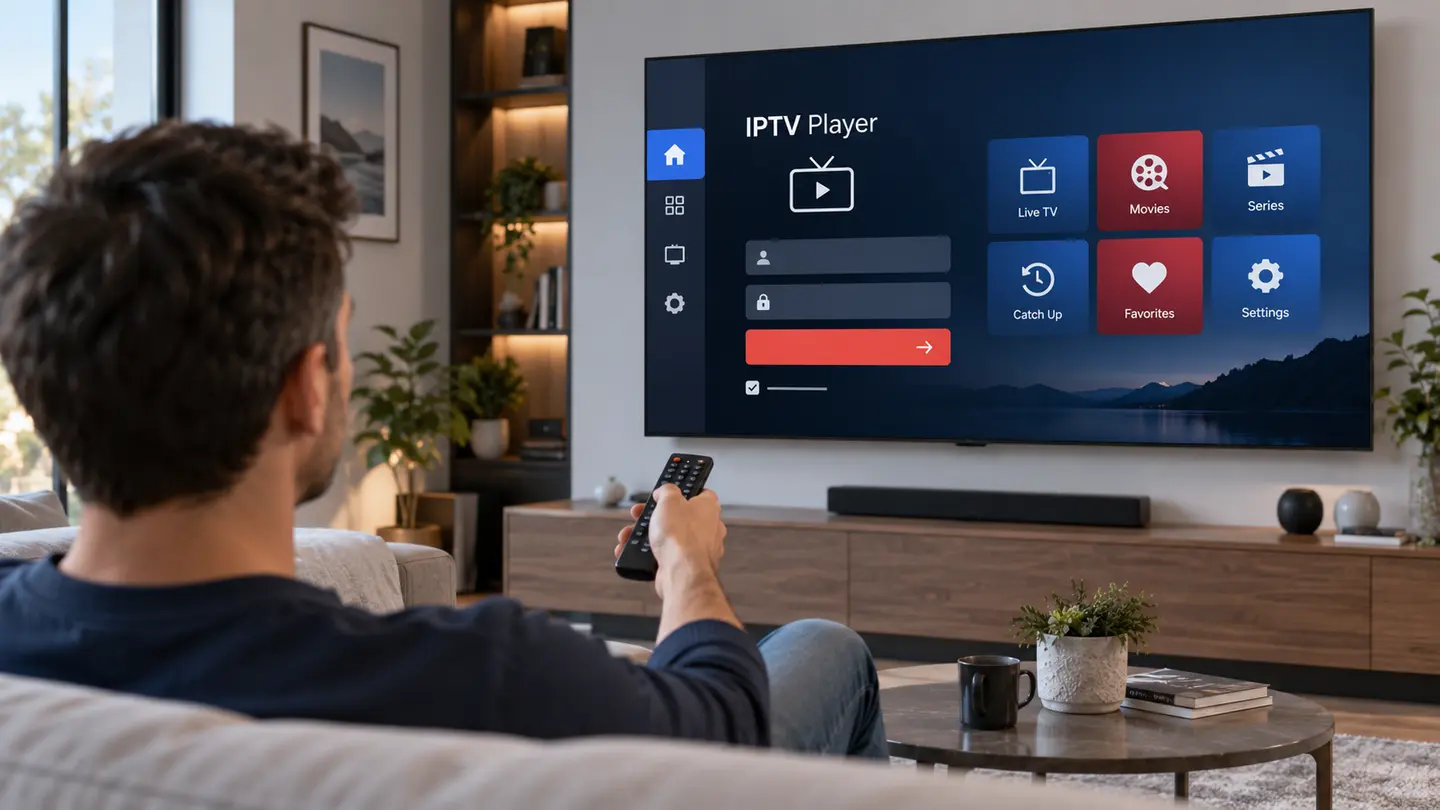
IPTV is a delivery technology, not a legal category by itself. Legality depends on whether the source has permission to distribute the content and whether use complies with local law. Safety also depends on the app, credential handling, payment process and security of the device.
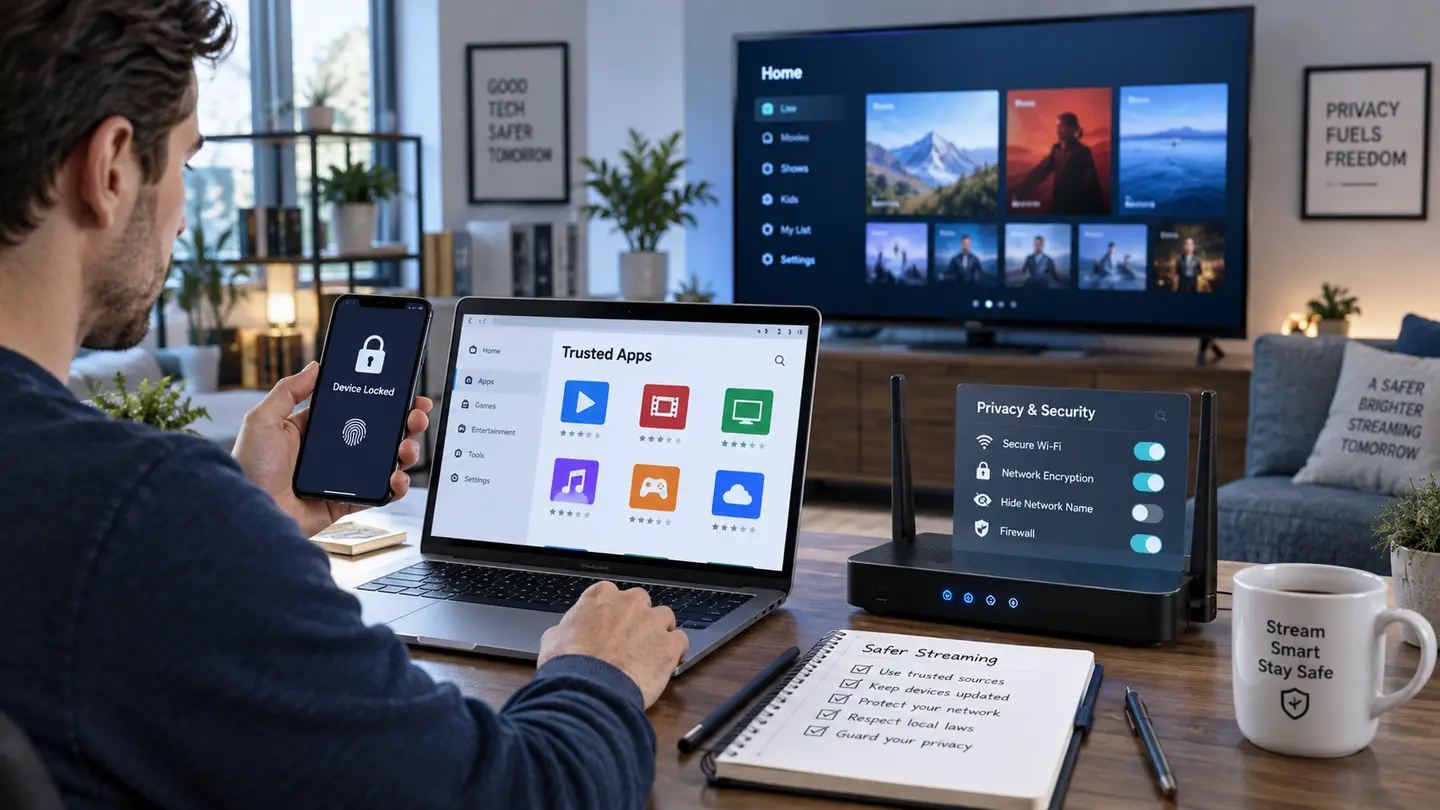
Use only content you are legally entitled to access. Check provider identity and policies, install players from trusted publishers, protect playlist URLs as passwords, keep payment records, update devices and seek local legal advice when rights or rules are unclear.
Separate IPTV Technology From Content Rights
Internet Protocol Television is used by authorised broadcasters, telecom companies and private video systems. The same technical method can also carry content without permission. Judge the specific service and source rather than assuming all IPTV is legal or illegal.
Ask who is allowed to distribute the content in your location. Extremely broad premium catalogues at implausibly low prices, hidden ownership and refusal to discuss rights are warning signs, not proof of legitimacy.
Check Local Rules and Provider Policies
Copyright and streaming rules differ by country and can change. General website statements are not a substitute for advice from a qualified local professional. If a use case is commercially important or unclear, obtain independent legal guidance.
Read the terms, privacy, refund and copyright pages before payment. Clear policies do not guarantee authorisation, but missing or contradictory policies make accountability harder.
Install Player Apps Carefully
Use an official app store or the verified publisher source. Check permissions and avoid an IPTV player that requests access unrelated to playback. Keep the television, box, phone and router updated because old software can expose known vulnerabilities.
Newer streaming-device platforms may restrict unsupported installation methods. Do not bypass device protections merely to run an unknown package.
Protect Credentials and Personal Data
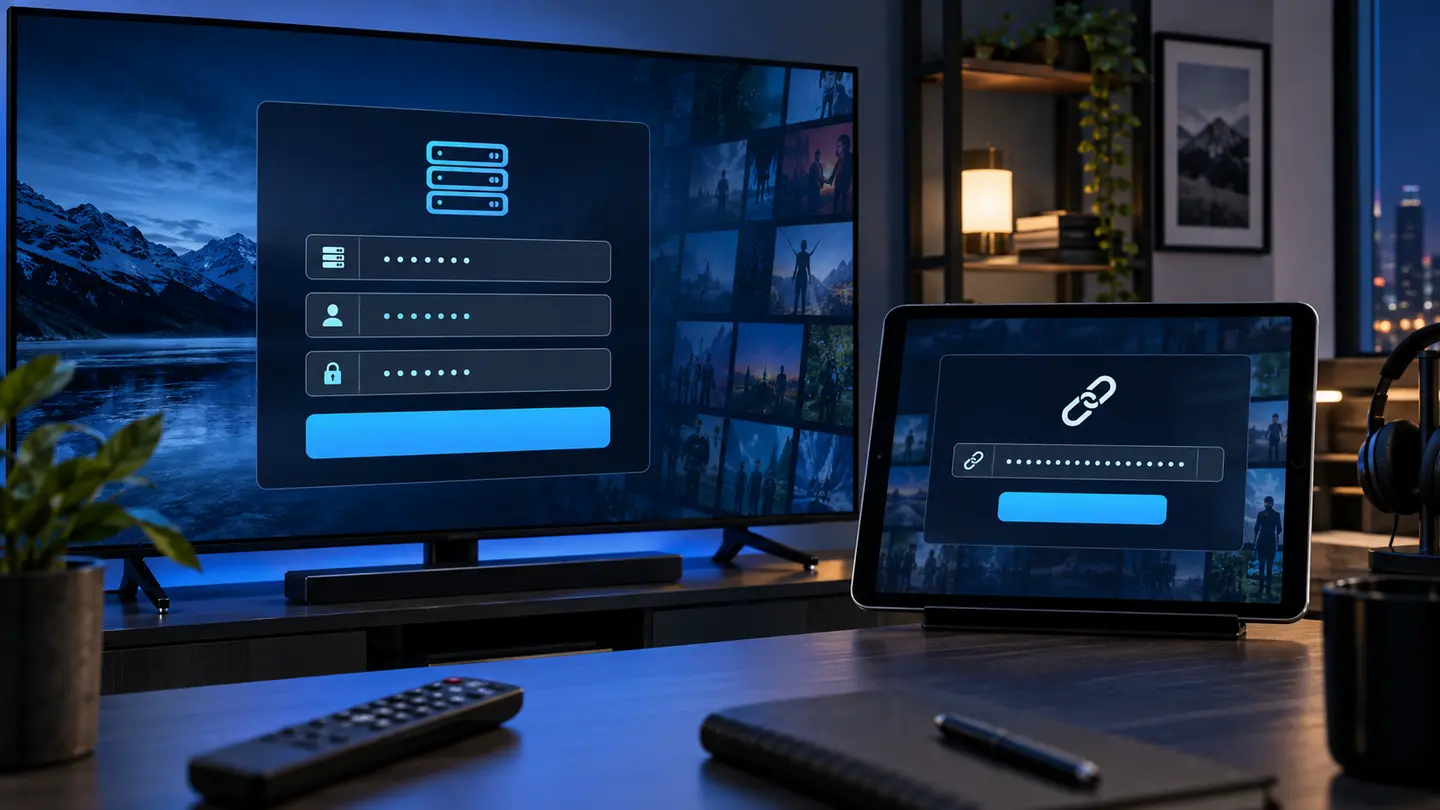
Treat server usernames, passwords and M3U URLs as private. Do not paste them into public playlist converters, forums or screenshots. Use a unique contact password where the account system permits it and change credentials after suspected exposure.
Share only the information required for setup and payment. A provider should not need remote access to unrelated files, email accounts or banking credentials.
| Risk | Safer practice | Avoid |
|---|---|---|
| Player installation | Official store or verified publisher | Unknown modified APKs |
| Playlist handling | Private trusted player | Public URL converters |
| Payment | Written total and retained receipt | Pressure to pay without terms |
| Support | Device model and exact error | Sharing passwords publicly |
Use Payment and Trial Evidence
A trial should let you test compatibility without sending unnecessary personal information. Before any paid order, confirm the total, currency, period, connection count, renewal method and refund link. Keep the conversation and receipt.
Be cautious with irreversible payments when the provider identity and terms are unclear. Payment convenience does not establish content rights or business legitimacy.
Recognise Claims That Need Verification
“No buffering,” “every channel,” “lifetime access” and guaranteed income are not measurable without conditions and evidence. Availability, quality, EPG and catch-up can change, while reseller profit depends on real costs and customer demand.
Prefer specific explanations, transparent limitations and a support process you can test. If rights, identity or security remain unclear, do not proceed simply because the interface looks professional.
Frequently Asked Questions
Final Check Before You Continue
Use the exact device, player and network that matter to you, protect account credentials and confirm the current price, connection count, content rights and policy terms before payment. Availability and app support can change, so current testing is more useful than an old screenshot or catalogue total.