The IPTV player is the application you operate; the subscription is the account and authorised source information loaded into it. Confusing the two leads to duplicate payments, incorrect support requests and unsafe credential sharing.
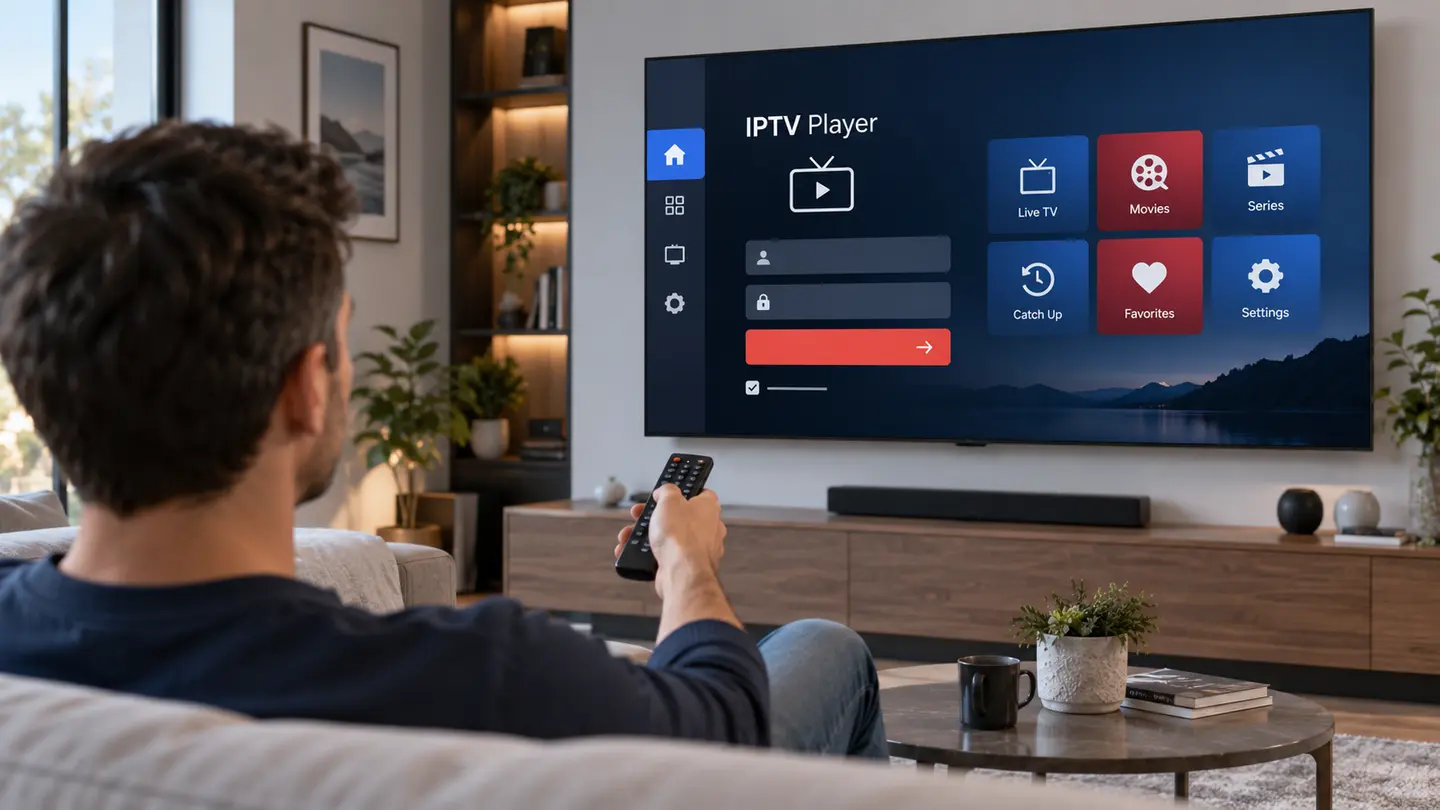
A player supplies the interface, decoder, search, favourites and EPG display. A subscription supplies account access, categories and available sources. Some players charge a separate licence, and changing the app does not automatically change the subscription.
What the IPTV Player Controls
The player decides how live categories, films, series and programme guide rows appear. It manages remote focus, search, favourites, recent items, subtitle menus, audio tracks and decoder options. A player update can therefore change the look or behaviour without changing the account.
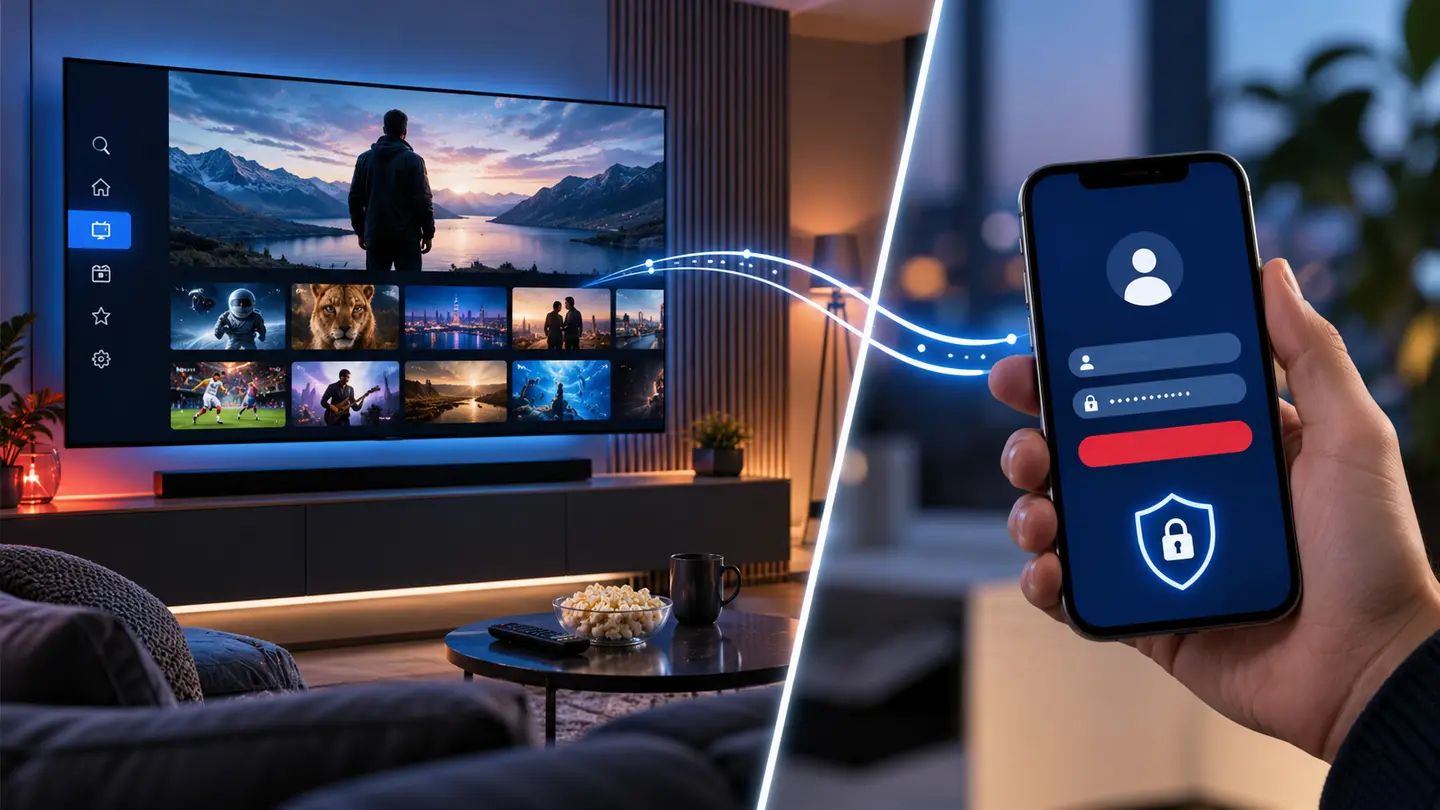
The player may store credentials locally or require web activation. Review the publisher, privacy policy and licence scope before entering an account.
What the Subscription Controls
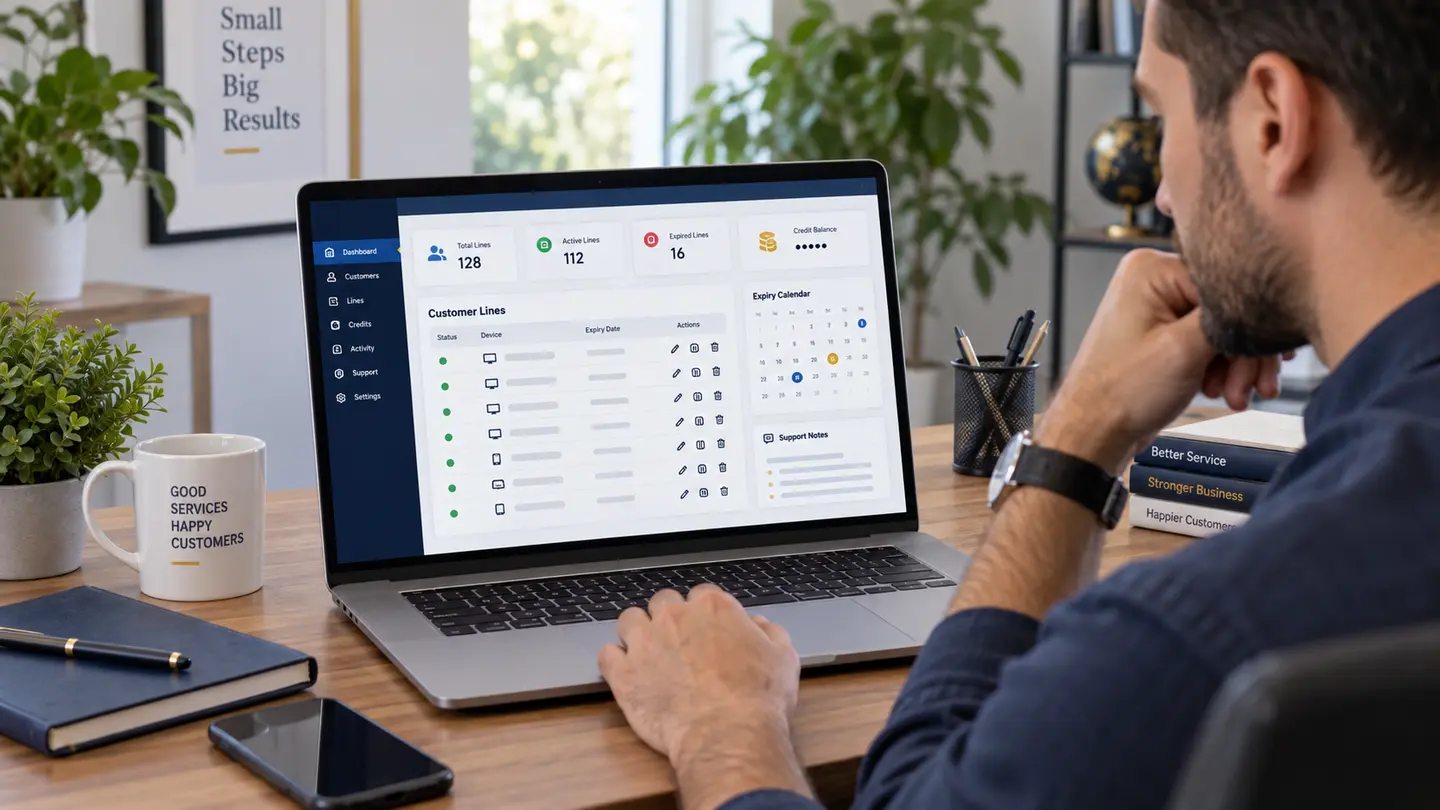
The subscription defines the account period, permitted simultaneous connections and the source categories made available. It also determines server credentials and may supply EPG or catch-up metadata. Those details should appear in the order confirmation.
Catalogue entries and source quality can change. The player can organise what it receives, but it cannot create a missing category or upgrade an SD source to genuine 4K.
Understand Separate Costs
A £6, £15, £25 or £40 subscription total does not automatically include a premium app activation. Some players are free, some sell a one-time device licence and others use recurring plans. Ask which app is recommended and whether any fee goes to a separate developer.
Keep receipts separately. If the player licence fails, contact the app publisher; if account credentials expire or categories are missing, contact the subscription support route.
| Question | Player app | Subscription |
|---|---|---|
| Who supplies it? | App developer or store | IPTV account provider |
| What does it contain? | Interface and playback tools | Credentials and authorised sources |
| What can change? | Layout, decoder, licence | Categories, expiry, connections |
| Who supports it? | App publisher for software issues | Account support for access issues |
Choose the Correct Support Route
If the same account works in one player but fails in another, the second app or its settings deserve attention. If credentials fail in every trusted player, account status or server details are more likely. If all video apps struggle on one device, investigate the network or hardware.
Provide this comparison when asking for help. It avoids unnecessary password resets and makes the answer more specific.
Switch Players Without Losing Control
Confirm that the new app supports the existing login format, then test it before deleting the old player. Recreate favourites manually if the apps do not share data. Remove credentials from the old app once the new setup is stable.
Changing players can improve navigation or decoding, but it will not change the account expiry, simultaneous connections or source catalogue.
Use a Simple Buying Checklist
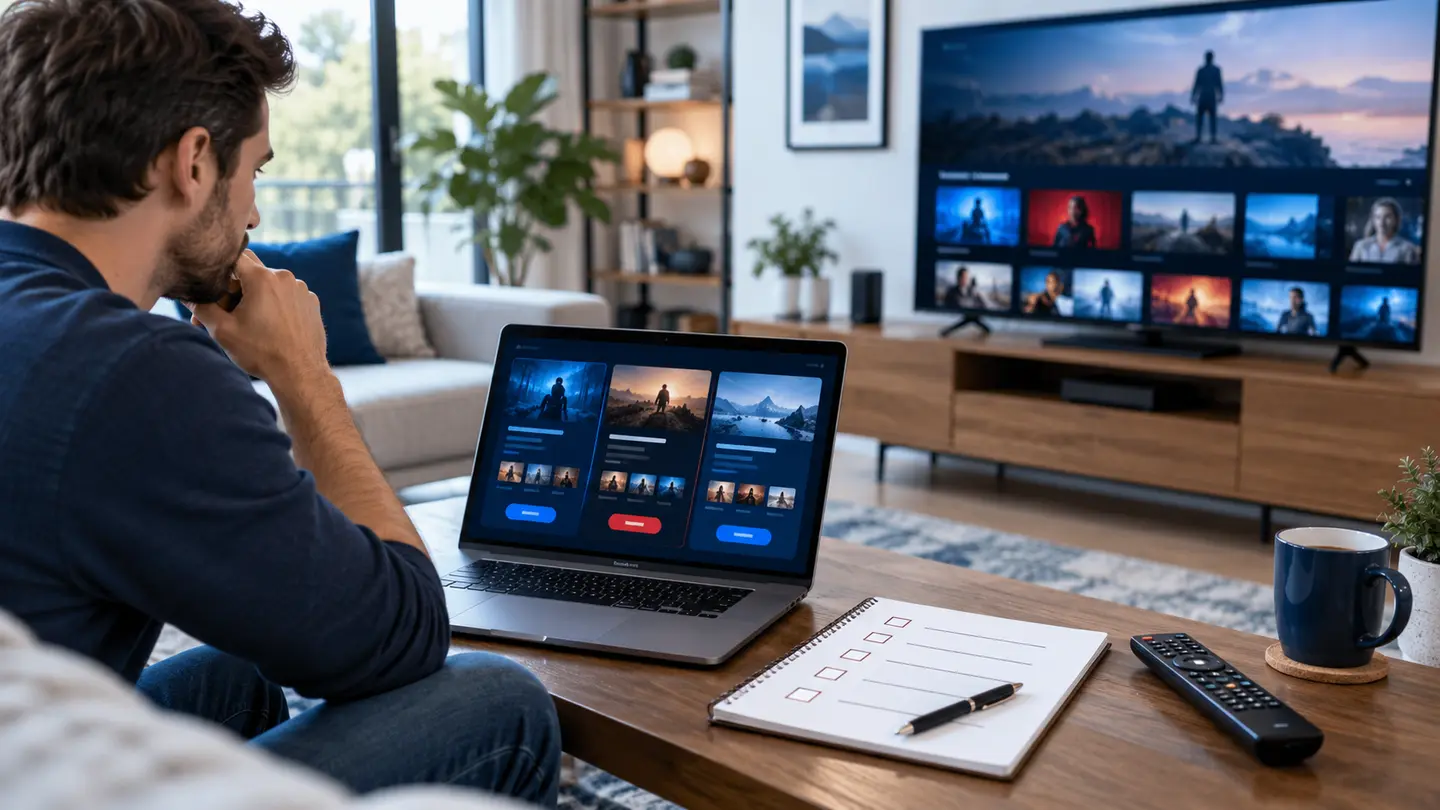
Before paying, write down the subscription total, period, connection count, login type, recommended app, separate app cost and support contacts. This one-page summary makes the relationship between products clear.
During the trial, test both the account and the chosen player. A successful login alone is not enough; the interface must also be practical for the person using the television.
Frequently Asked Questions
Final Check Before You Continue
Use the exact device, player and network that matter to you, protect account credentials and confirm the current price, connection count, content rights and policy terms before payment. Availability and app support can change, so current testing is more useful than an old screenshot or catalogue total.