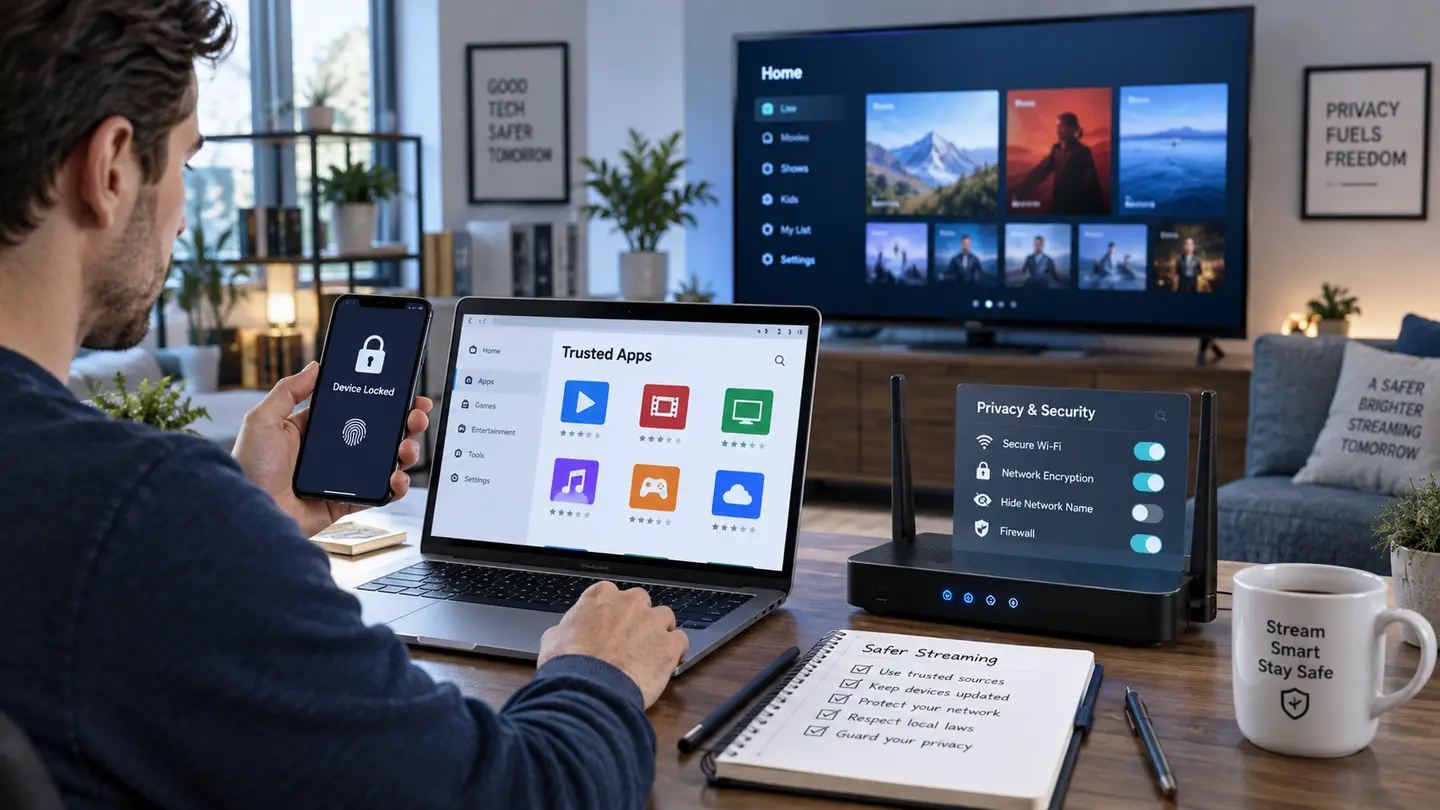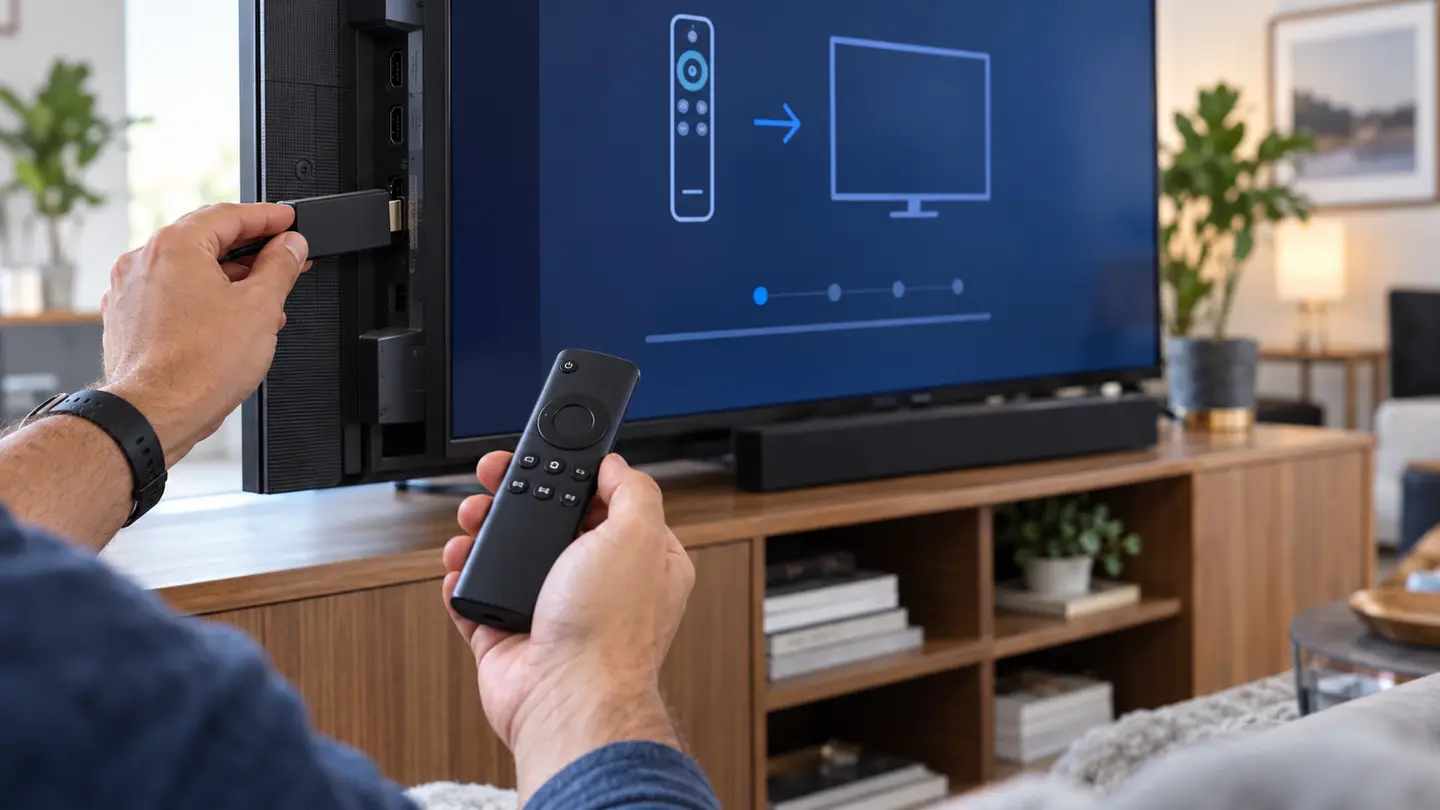
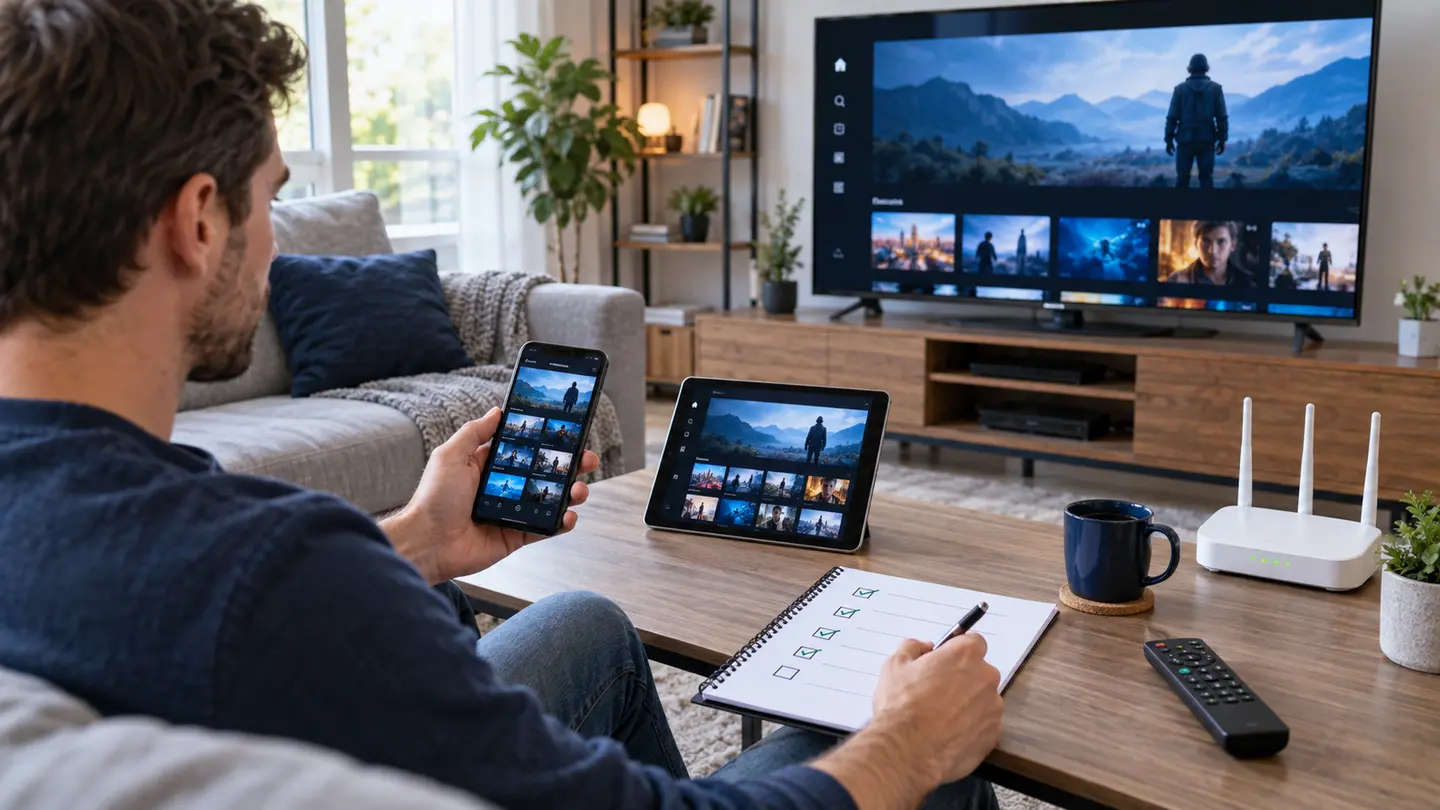
A free trial is valuable only when it reproduces normal use. Testing random channels on a phone at midday tells you little about an evening sports stream on the living-room television. Plan the trial around the real device, content and network.
Install the final player on the final device, test must-have categories and on-demand sections, verify EPG and remote navigation, repeat during busy hours, contact support once and save the final price and policy summary before paying.
Prepare Before the Trial Clock Starts
Update the device, install the chosen player and check the home connection first. Make a short list of required regional, language, sports, news, movie and series categories. If several people will watch, note the needed simultaneous connections.
Ask when the trial begins. A 24-hour period should not be wasted locating the television model or deciding which app to install.
Test Live TV Systematically
Open several sources in each must-have category and watch long enough to notice interruptions. Compare channel-change time, audio sync and picture quality. Test the important event window when possible rather than a placeholder period.
Record exact names and times for anything that fails. A useful support report is specific, while “many channels do not work” is difficult to reproduce.
Inspect Movies, Series and Metadata
Search for a few ordinary titles, open seasons and episodes, and test subtitles and audio tracks where needed. Posters and descriptions are useful, but playback, navigation and language options matter more than visual catalogue size.
Remember that catalogues change. The trial confirms current access, not a permanent guarantee that every title remains available.
Verify EPG, Catch-Up and Player Tools
Check programme times against the device clock and test favourites, search and category filtering. If catch-up matters, verify it on an eligible source and note the available replay window. Do not assume every live channel has the same guide or replay support.
Restart the player and confirm that the account, favourites and selected settings remain saved.
Repeat the Test During Busy Hours
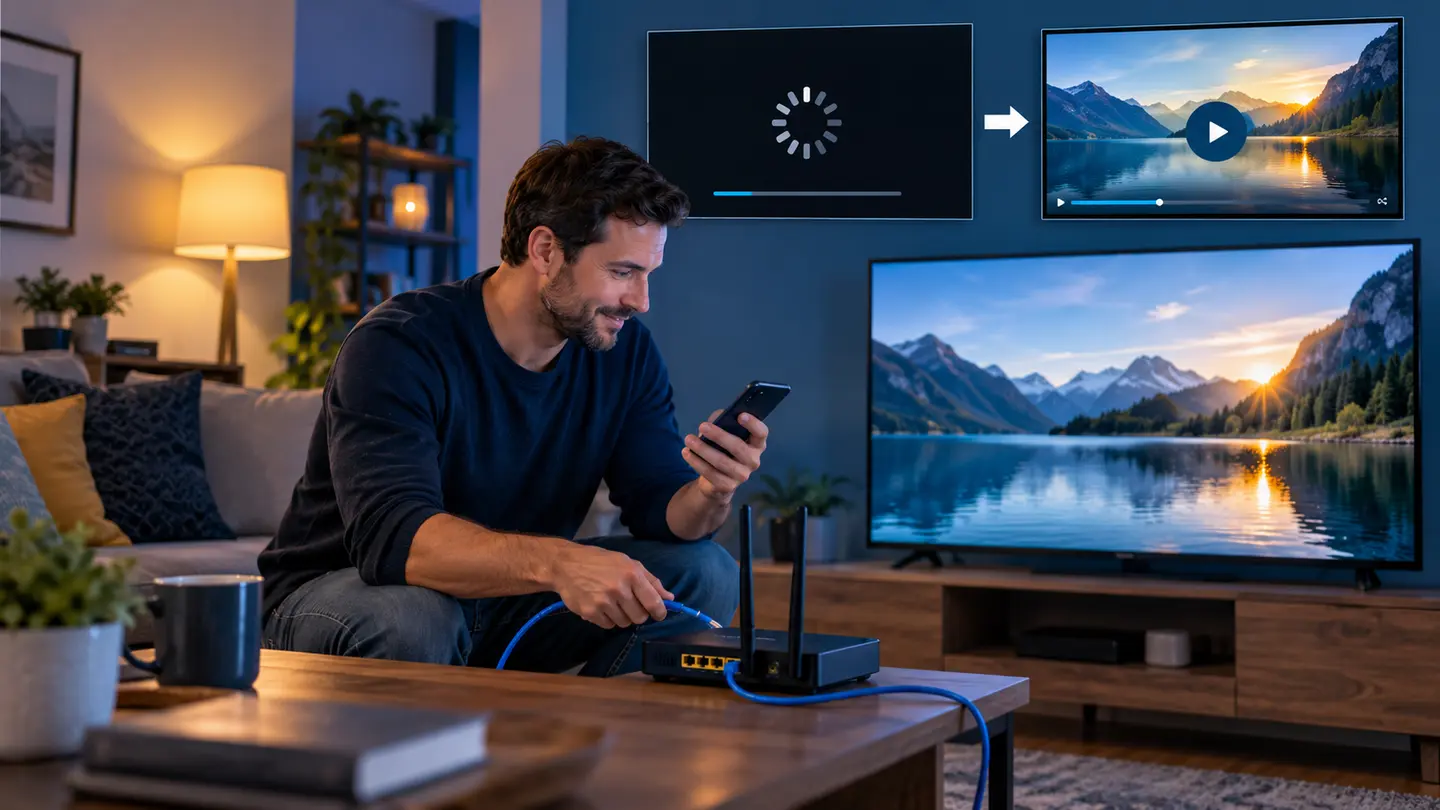
Run the same live and on-demand checks when the household normally watches and other devices are active. This reveals Wi-Fi congestion, router queueing and time-dependent source or route issues that a quiet test misses.
If there is a problem, compare Ethernet or another device before deciding the service is responsible. One controlled comparison is more valuable than changing several settings together.
| Trial area | Pass condition | Record if it fails |
|---|---|---|
| Required live categories | Several relevant sources usable | Exact category, source and time |
| Movies and series | Search, seasons and playback work | Title, episode and error |
| EPG | Correct time for important rows | Channel and offset |
| Support | Specific, useful response | Question and response time |
Confirm the Order Before Payment
Ask for the period, total GBP price, connection count, login method, recommended app, separate app costs, activation timing and policy links in one message. Read it carefully and keep a copy with the payment record.
If the evidence is mixed, choose a short paid period or do not proceed. A free trial is a decision tool, not an obligation to buy.
Frequently Asked Questions
Final Check Before You Continue
Use the exact device, player and network that matter to you, protect account credentials and confirm the current price, connection count, content rights and policy terms before payment. Availability and app support can change, so current testing is more useful than an old screenshot or catalogue total.